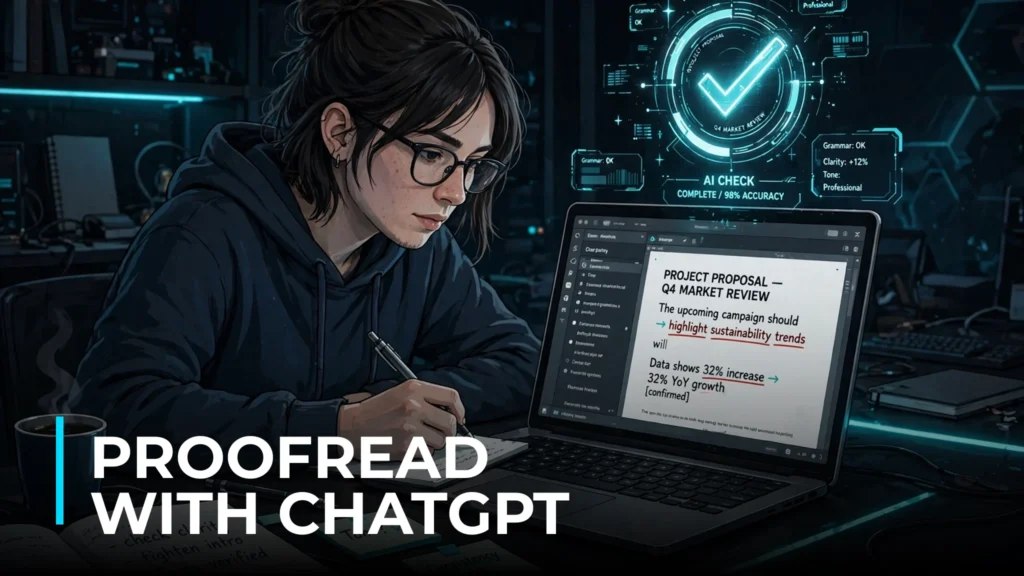
Your draft is done, but is it actually clean? Learning how to use ChatGPT to proofread and edit your writing can catch the typos, tangled sentences, and tone problems you are too close to your own work to see. This guide shows you the exact prompts and workflow professional writers use — from quick typo sweeps to deep structural edits — plus the mistakes to avoid so the AI improves your voice instead of flattening it. Works with the free version of ChatGPT. If you are ready to proofread with ChatGPT, the steps below show you exactly how.
Table of Contents
Why You Should Proofread with ChatGPT (and Where It Falls Short)
ChatGPT is genuinely excellent at the mechanical side of editing: spelling, grammar, punctuation, consistent tense, and awkward phrasing. It never gets tired, it checks every sentence with equal attention, and it explains its changes when you ask — which makes it a surprisingly good writing teacher, not just a fixer. That is why so many writers now proofread with ChatGPT for first-pass edits.
Where it falls short: it cannot verify facts, it does not know your audience the way you do, and left unsupervised it tends to sand your writing into the same bland, corporate tone as everyone else’s. The workflow in this guide is designed around those limits — you stay in charge of voice and truth, ChatGPT handles the polish.
Before You Start: Set Up for Success
Three quick setup steps make it easier to proofread with ChatGPT below:
- Paste in chunks. Feed ChatGPT one section at a time (a few hundred words) rather than a whole 3,000-word article. It edits more carefully with focused context, and you can review changes section by section.
- Tell it the context. Start with one line: “This is a [blog post / work email / college essay] for [audience].” Editing a casual newsletter and a job application are different jobs — give the AI the brief a human editor would get.
- Keep your original. Always edit a copy. Ask ChatGPT to show changes as a list rather than silently rewriting, so you can accept or reject each one.
Step 1: Proofread with ChatGPT — The Quick Typo and Grammar Sweep
Start with the lightest pass — pure mechanics, no style changes. This is the highest-value, lowest-risk use of AI proofreading. This is the safest way to proofread with ChatGPT: constrain it to mechanics first, a technique covered in our guide to writing better AI prompts.
“Proofread the following text for spelling, grammar, and punctuation errors ONLY. Do not change the wording, tone, or structure. List each correction as: original → corrected, with a one-line explanation. Here is the text: [paste your section]”
The “ONLY” constraint matters. Without it, ChatGPT will “helpfully” rewrite sentences you liked. Review each suggested correction — accept the clear typos, and question any change that alters your meaning. This pass alone catches the errors that make readers (and editors) quietly lose trust. Constrain it this way and you can proofread with ChatGPT without losing your favorite lines.
Step 2: Fix Awkward Sentences and Flow
Once the mechanics are clean, do a readability pass. This is where ChatGPT earns its keep on longer pieces: Once you proofread with ChatGPT for readability, compare its suggestions against your own ear.
“Review this text for awkward phrasing, run-on sentences, and unclear flow. For each problem sentence, show me the original, explain what’s wrong in plain language, and suggest ONE cleaner alternative that keeps my voice and meaning. Do not rewrite the whole piece — only flag sentences that genuinely need help. Text: [paste]”
Asking for “ONE cleaner alternative” prevents the AI from giving you five options for every sentence (decision fatigue). Asking it to explain the problem turns the AI from a decision-maker into a teacher — after a few rounds, you will stop making the same mistakes yourself.
Step 3: Check Tone and Consistency
Tone drift is the silent killer of good writing — you start friendly and end up formal, or slip between past and present tense. ChatGPT is great at spotting it because it reads the whole piece at once: You can proofread with ChatGPT for tone by giving it your target voice explicitly.
“Analyze the tone of this piece and tell me: 1) What tone does it currently project? 2) Are there any sentences that clash with that tone? List them. 3) Is the tense and point of view consistent throughout? Flag any shifts. The intended tone is [friendly and direct / professional / casual]. Text: [paste]”
This pass is especially valuable for work emails, cover letters, and client-facing content, where a single off-tone sentence can undermine the whole message. It is also the skill that matters most when you proofread with ChatGPT before hitting send — especially when writing emails with AI, where a single off-tone line can cost you.
Step 4: Tighten Wordy Writing
Most first drafts are 15–20% longer than they need to be. ChatGPT is ruthless at cutting filler — in a good way: Writers who proofread with ChatGPT here see the biggest word-count wins.
“Tighten this text by cutting filler words, redundancies, and throat-clearing phrases (like ‘in order to’, ‘it is important to note that’, ‘very’, ‘really’). Keep every idea and keep my voice — just make it leaner. Show me the word count before and after. Text: [paste]”
The before/after word count keeps the AI honest — if it cut 30% and lost a key point, you will see it. Aim to accept most cuts; writers almost always overwrite their first drafts, and leaner prose reads as more confident.
Step 5: The Final Read-Aloud Check
For important pieces, do one last pass designed to catch what silent reading misses: When you proofread with ChatGPT for rhythm, read its flags aloud to judge them.
“Read through this final draft and flag anything that would sound strange read aloud: tongue-twister phrases, repeated words in the same paragraph, sentences that are too long to say in one breath, and any place where the rhythm feels off. Text: [paste]”
Then do the literal version yourself — read the piece out loud once. Between the AI’s rhythm check and your own ears, very little survives to embarrass you. It is the perfect final filter after you proofread with ChatGPT.
Advanced: Create Your Own AI Proofreader with Custom Instructions
If you proofread with ChatGPT often, stop retyping prompts. In ChatGPT’s settings, add custom instructions (or save a reusable prompt) like this:
“You are my personal copy editor. Always: 1) Fix spelling, grammar, and punctuation. 2) Flag awkward sentences with one suggested fix each. 3) Never change my tone or vocabulary level without asking. 4) List all changes as original → corrected. 5) If a sentence is ambiguous, ask me what I meant instead of guessing. My default writing context: [blog posts for a US audience, friendly and direct tone.]”
With this saved, proofreading becomes: paste text, get clean edit back, review. A 1,500-word article goes from draft to polished in about 15 minutes — most of it your review time, not the AI’s. Once set up, you can proofread with ChatGPT in seconds instead of minutes.
When Not to Proofread with ChatGPT: The Human Checks
No prompt fixes these — build them into your own final review:
- Fact-checking. ChatGPT will confidently “correct” a sentence containing a wrong fact without noticing the fact is wrong. Verify names, dates, numbers, and claims separately.
- Voice preservation. If your writing starts sounding like everyone else’s AI-polished prose, you accepted too many style suggestions. Your quirks are features, not bugs.
- Audience judgment. ChatGPT does not know that your readers hate jargon or that your boss prefers short emails. You are the expert on your readers.
- Originality. For anything you publish, run important pieces through a plagiarism checker. AI-assisted writing should be your words, polished — not generated text you lightly edited.
ChatGPT vs Dedicated Proofreading Tools
How does this workflow compare to tools built specifically for proofreading? The prompts below work whether you proofread with ChatGPT, Claude, or another model — but if you are choosing between models, our ChatGPT vs Claude comparison covers content writing in depth.
- vs Grammarly: Grammarly is faster for real-time checking as you type, and its browser extension catches errors everywhere. ChatGPT is better for deep edits — restructuring sentences, explaining why something is wrong, and adapting to unusual contexts. Many writers use both: Grammarly live, ChatGPT for the final pass.
- vs ProWritingAid: ProWritingAid offers detailed reports (readability scores, overused words, pacing) that ChatGPT does not generate automatically. But ChatGPT’s conversational editing — “make this paragraph punchier but keep it professional” — is more flexible than any report.
- vs the free built-in checkers: Your browser or word processor catches typos; ChatGPT catches everything else. For anything that matters, the AI pass is worth the extra five minutes.
Frequently Asked Questions
Can I use the free version of ChatGPT for proofreading?
Yes. Proofreading is one of the tasks where the free tier performs nearly as well as the paid one. The prompts in this guide work fine on the free plan; paid plans mainly buy you speed and longer context for very long documents.
Will ChatGPT change my writing style?
Only if you let it. The prompts in this guide explicitly constrain the AI to mechanics and flagged suggestions. Always review changes as a list (original → corrected) rather than accepting silent rewrites, and your voice stays intact.
Is it cheating to use AI for proofreading?
For most contexts — blogging, business writing, personal projects — no more than using spell-check is. For academic work, check your institution’s policy: many allow AI-assisted proofreading but not AI-generated content. When in doubt, disclose.
How do I proofread a very long document?
Split it into 300–500 word sections and run Steps 1–2 on each. Then paste the full piece (or large chunks) for Steps 3–4, which need whole-document context for tone and consistency. For book-length work, consider doing one consistency pass per chapter. Repeat this loop every time you proofread with ChatGPT to keep long documents consistent.
Conclusion
Using ChatGPT to proofread is not about outsourcing your judgment — it is about giving yourself a tireless first reader. Run the typo sweep, fix the flow, check the tone, tighten the fat, and do the read-aloud check. Keep the human checks (facts, voice, audience) firmly in your own hands. Do that consistently, and your writing will be cleaner than 95% of what gets published online — which, in a world of sloppy first drafts, is a genuine competitive edge. When you proofread with ChatGPT as an editor rather than a ghostwriter, your voice stays yours.